
// Canvas
From AI image to finished design — on a single surface.
The Canvas is the visual design editor inside Mindverse Studio: combine AI images, text, shapes, and video into on-brand assets — and export them in one click.
- Output
- PNG · GIF · MP4 · PPTX
- Brand
- Brand kits
- Hosting
- Germany
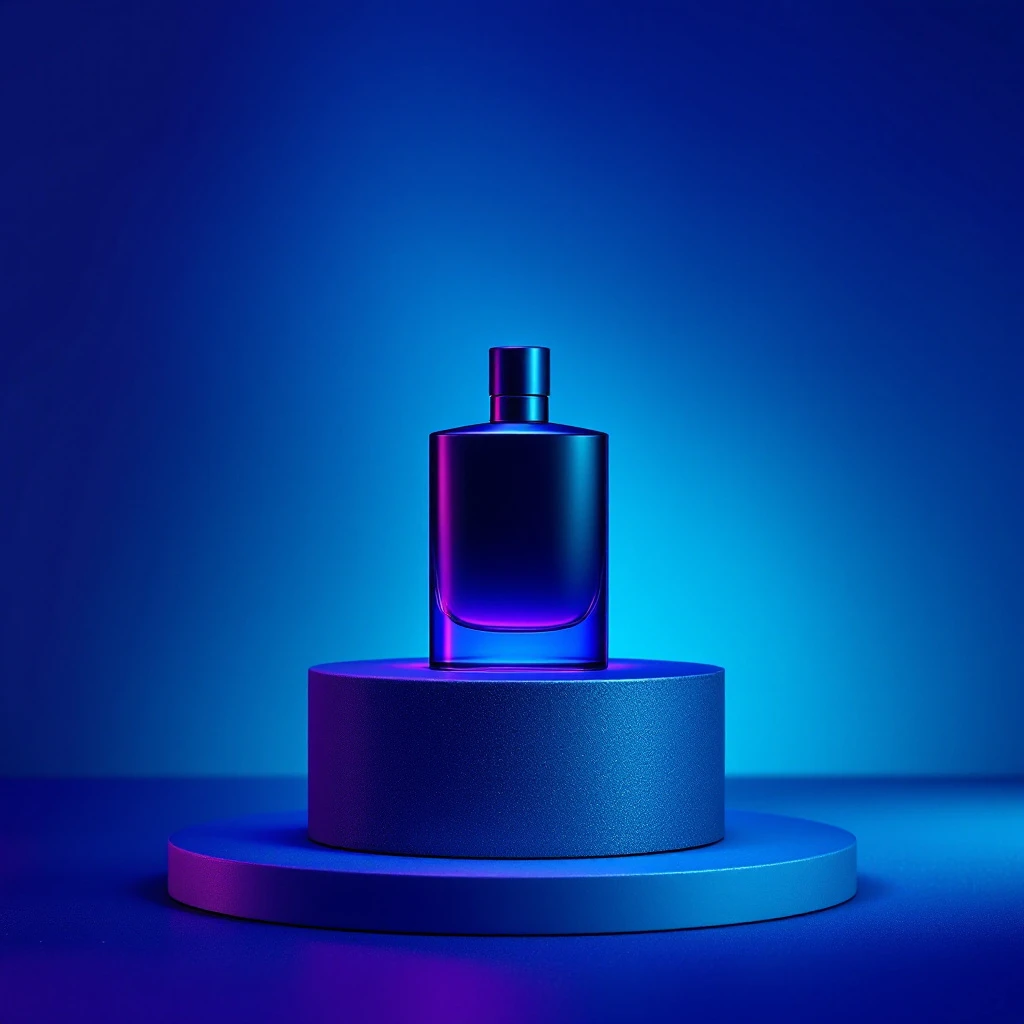 Image · Flux 2
 // How it works
From a blank Canvas to a finished, on-brand design in three steps
The Canvas takes the design work off your plate — you keep creative control.
Template or image
Start from a template, a blank Canvas, or an AI-generated image as your starting point.
Design & combine
Arrange images, text, shapes, and video freely — with background removal, filters, and AI suggestions.
Brand & export
Apply your brand kit and export as PNG, GIF, MP4, or PPTX — ready to use.
// On-brand by design
Familiar design tools, combined with artificial intelligence
Everything you expect from a design editor — arrange layers, shapes, text, images, and video freely — plus an AI that designs with you: it removes backgrounds, suggests layouts, generates matching visuals, and keeps every element automatically in your brand style.
- Brand kits: store logo, colors, and fonts once
- Background removal, templates, and AI layout suggestions
- Export as PNG, GIF, MP4, or PPTX — instantly ready to use
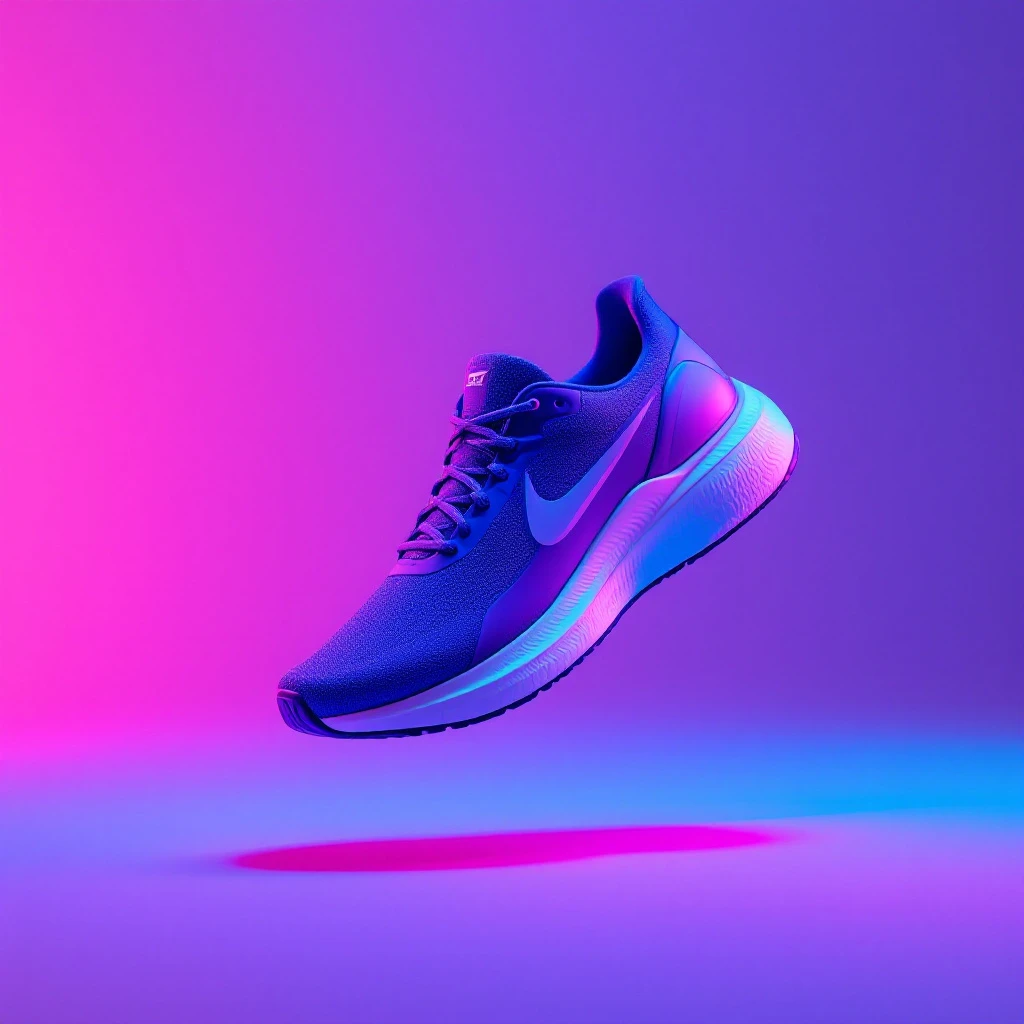
One design · many formats

// Who is it for?
For anyone who wants finished, professional designs — fast
Whether creative team, marketing, or freelancer — the Canvas replaces the detour through complex design software.
Creatives & designers
Craft campaign visuals, moodboards, and social posts — the AI provides the base, you add the finishing touch.
AI for creatives 02Marketing teams
Ads, story formats, and presentations in brand quality — without the detour through external design tools.
AI for marketing & PR 03Teams & companies
Work on designs together, share brand kits, and manage approvals — every output stays on-brand.
AI for teams 04Freelancers & SMBs
Create professional assets yourself — from logo mockups to finished reels, in one tool.
AI for business// Everything connects
The Canvas is the final step of your creative process.
What you plan on the AI Whiteboard and create with AI images and AI videos, you bring together in the Canvas into one finished, on-brand result.
Always on-brand
Brand kits keep colors, fonts, and logo consistent across every design.
AI that designs with you
Background removal, layout suggestions, and generated visuals on demand.
Image to video
Finalize and export static visuals and moving clips in the same editor.
Design together
Share, comment on, and approve designs as a team — all in one place.
// FAQ
Frequently asked questions about the Canvas
What is the Mindverse Canvas?
How is the Canvas different from the AI Whiteboard?
Can I store my brand in the Canvas?
Which formats can I export?
Do I need design skills to use the Canvas?
Is my content in the Canvas secure?
How do I get started with the Canvas?
// Get started
Create your first design in the Canvas
Try free for 7 days — the Canvas is part of Mindverse Studio. No credit card required.
GDPR-COMPLIANT · SERVERS IN GERMANY · SOC 2-ORIENTED PROCESSES